

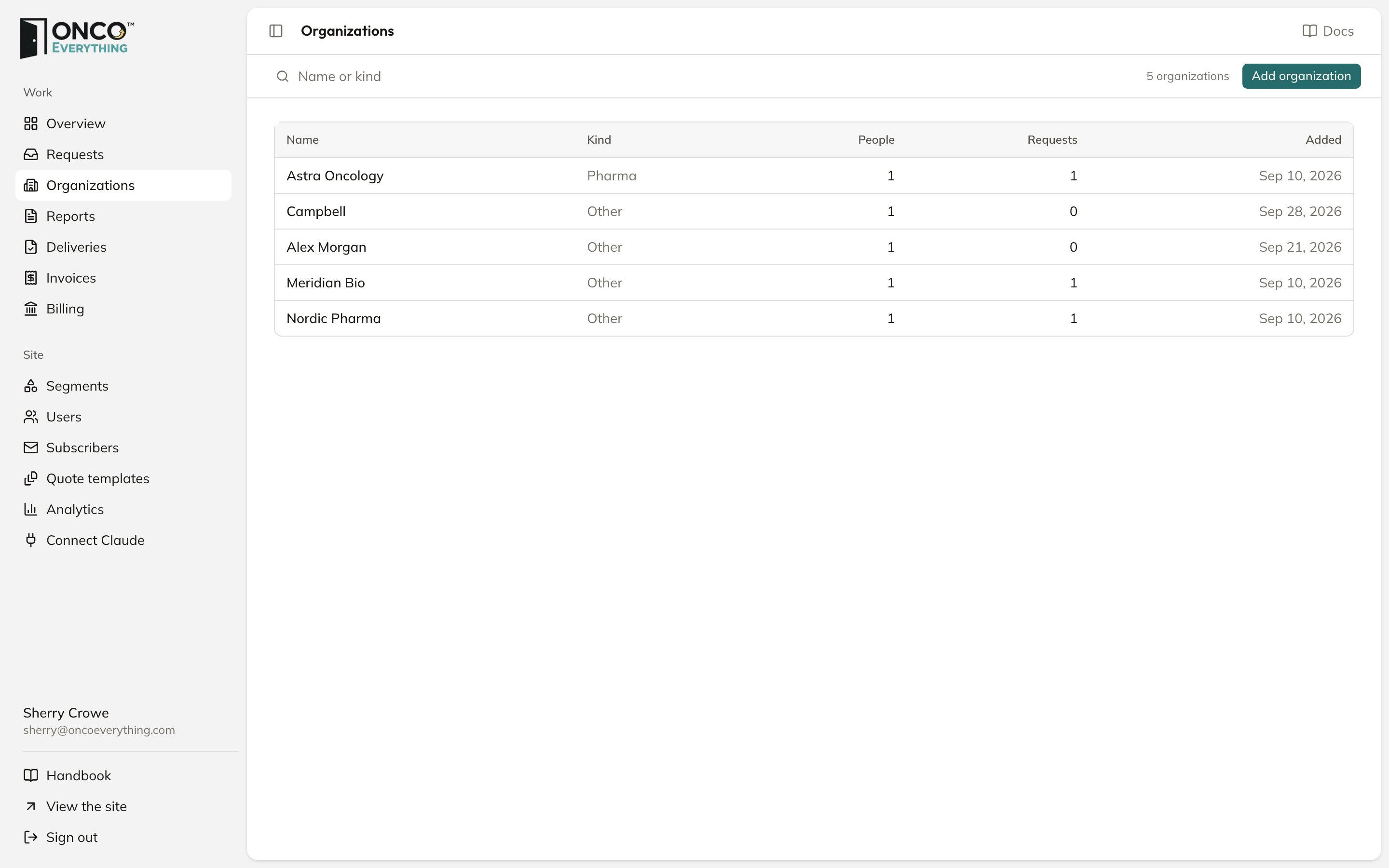
Organizations
Add an organization
1
Click Add organization
Fill in Organization, Kind (Pharma, Biotech, Agency, Investor or Other), Website and Billing email.
2
Add the first person
Enter their Name and Email. This person becomes the company’s Admin and can invite colleagues.
3
Click Create and invite
The first person gets an email with a sign-in link.
An organization’s page
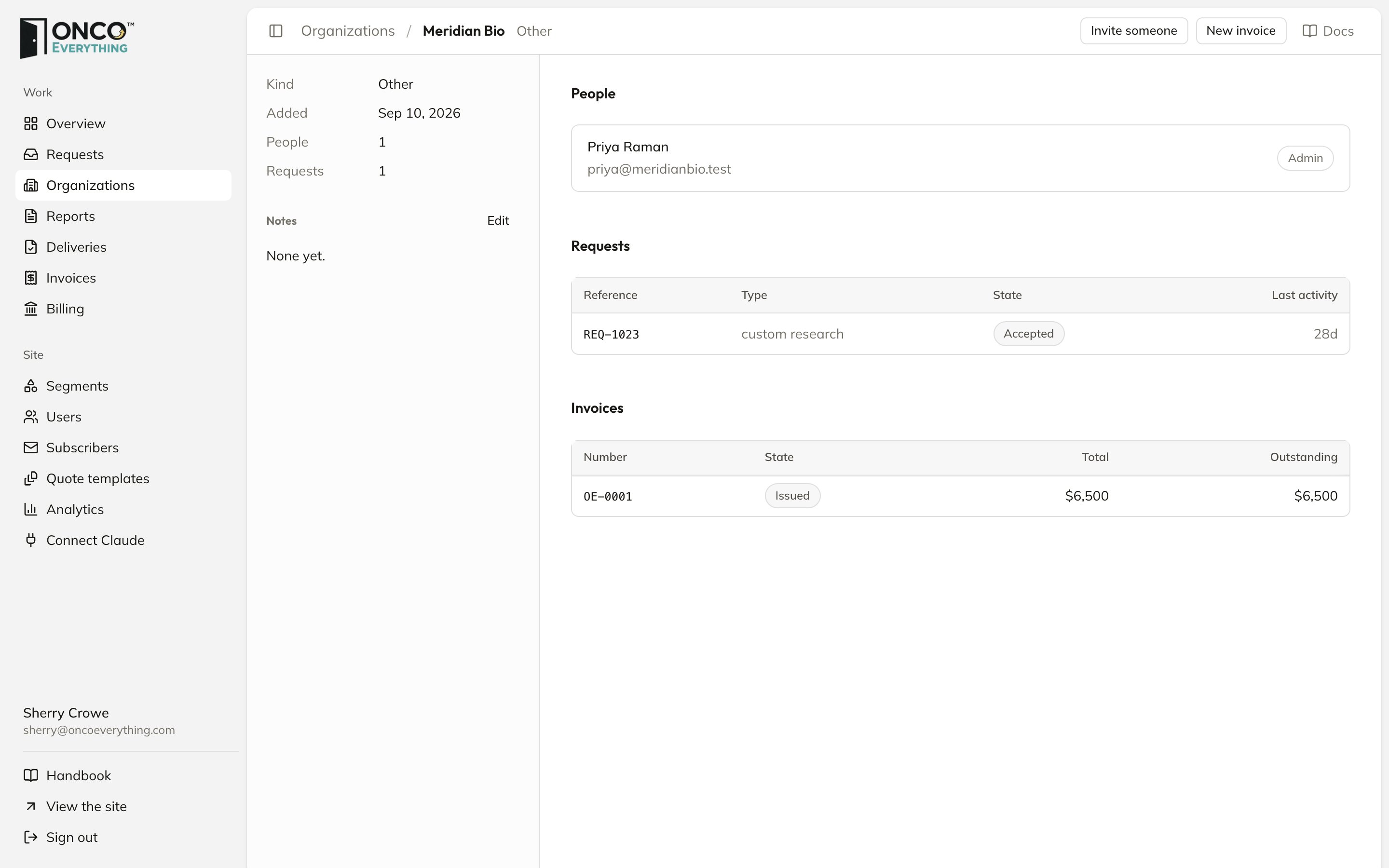
An organization
- Notes: who to call, what they buy, what they said. Only staff see them. Click Edit. Then click Save notes.
- Invite someone: add another person as a Member or an Admin.
- People, Requests and Invoices for the company.
- New invoice: raises an invoice for this company.