
Deliveries
What is on each copy
- A line at the foot of every page: “Prepared for [name], [company] · [date] · Copy OE-XXXX-XXXX”.
- A faint diagonal line with the name and company.
- The copy number, hidden in the file’s properties and in the spacing between words.
Download links
- A link works for 7 days, or until the organization’s access ends, whichever comes first.
- It works only when the person it was made for is signed in to their account.
- A buyer can make a fresh copy at any time from Reports in their account.
Find a copy
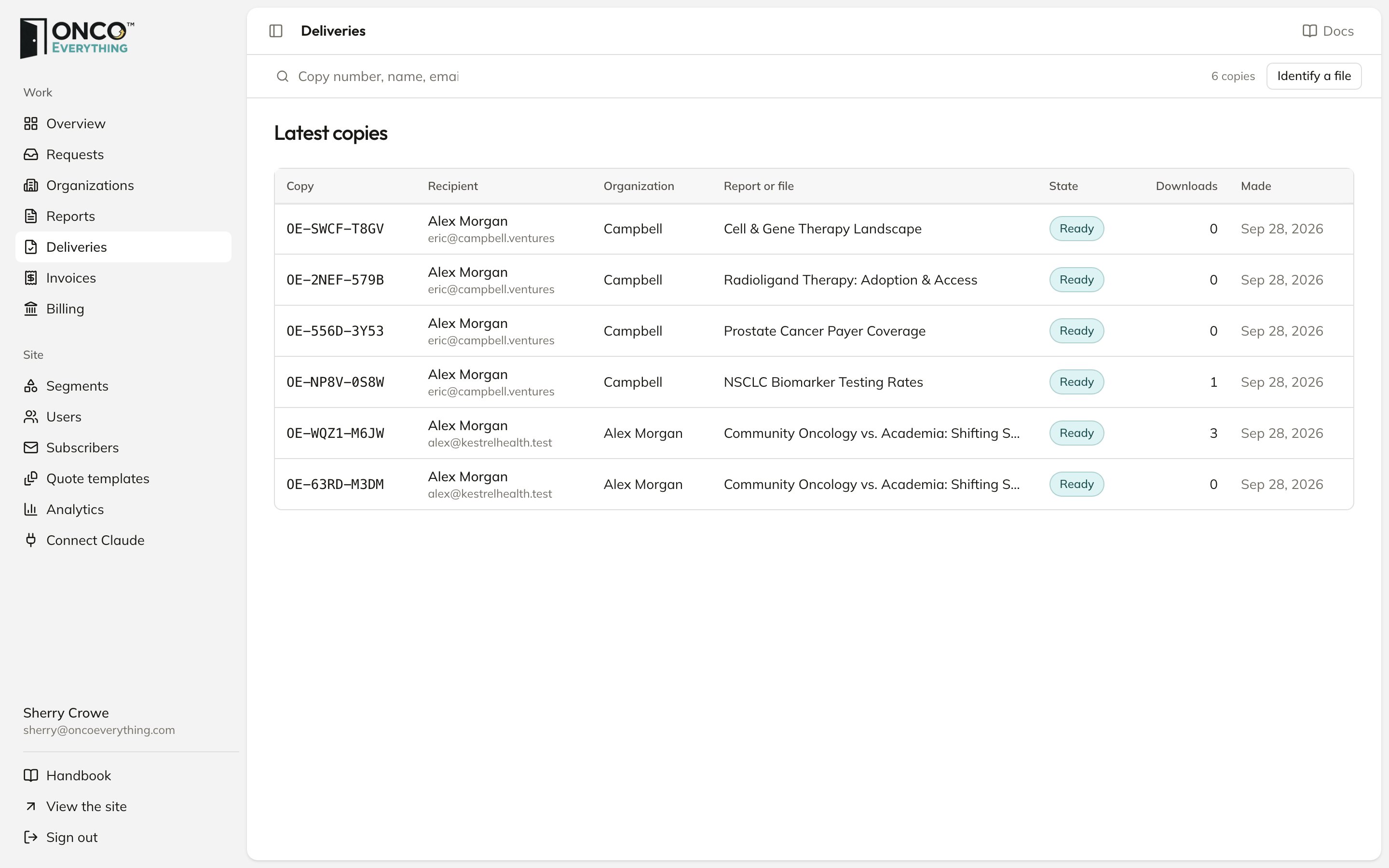
Search by copy number, name, email or company. Type the full copy number to see every visit to its link: when, from where, and whether the download worked.Whose copy is this?
If a report appears where it should not, find out who it was made for.1
Click Identify a file
A panel opens.
2
Choose the PDF and click Check the file
The file limit is 100 MB.
3
Read the result
The result shows the copy number, the person the copy was made for, and an Open the copy button. The check finds the number even if someone cropped off the footer.