
Ways to sign in
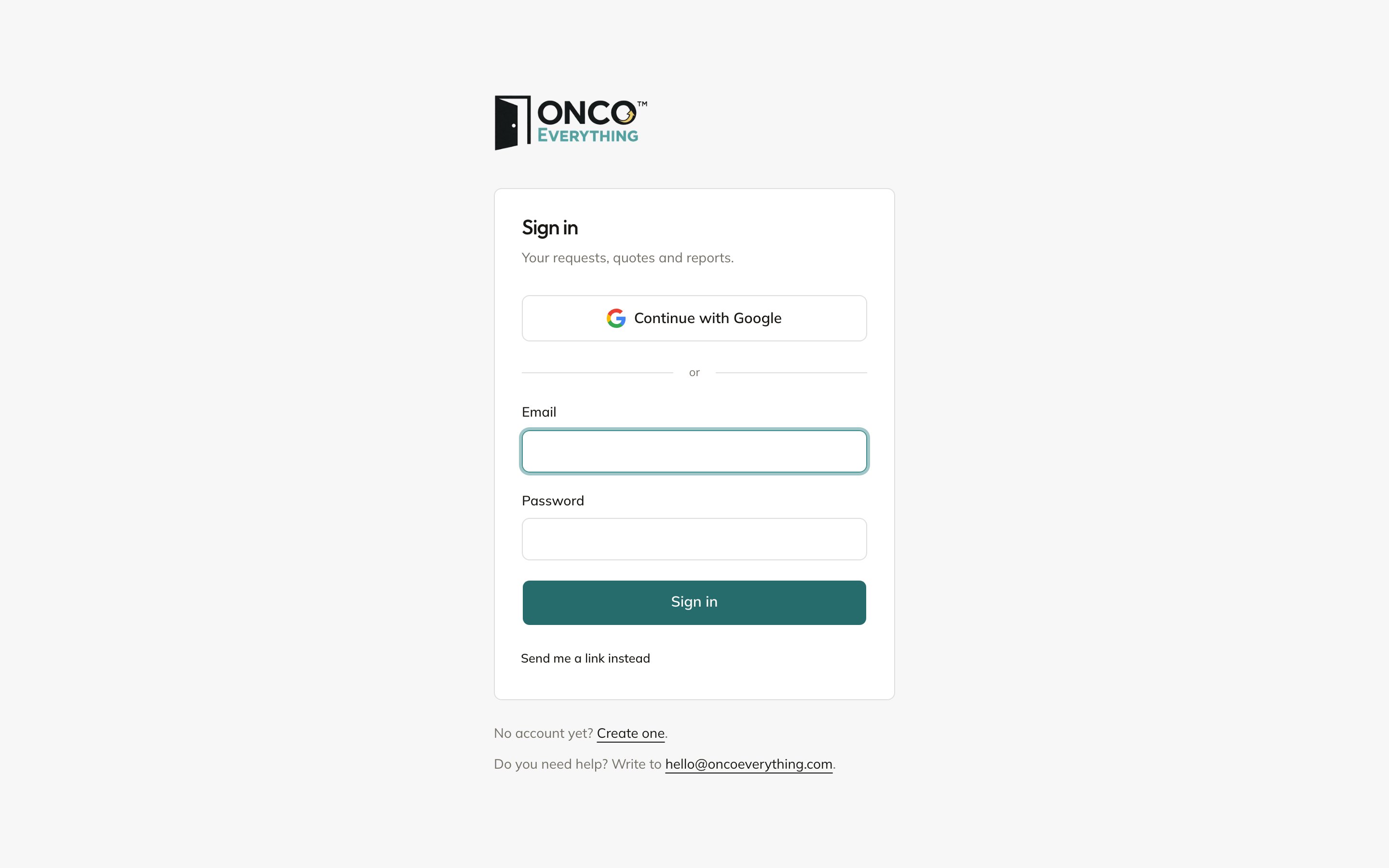
The sign-in page
- Continue with Google, if your email is a Google account.
- Send me a link instead. Type your email and click Send me a link. You get an email with a sign-in button. The link works once, and expires in ten minutes.
The form asks for a password first. If you do not have one, click Send me a link instead, or use Google. There is no way to reset a password yet.
Kinds of accounts
You add staff in the admin only. See Staff and users. Buyers get accounts when they sign up, accept a quote, or get an invitation.