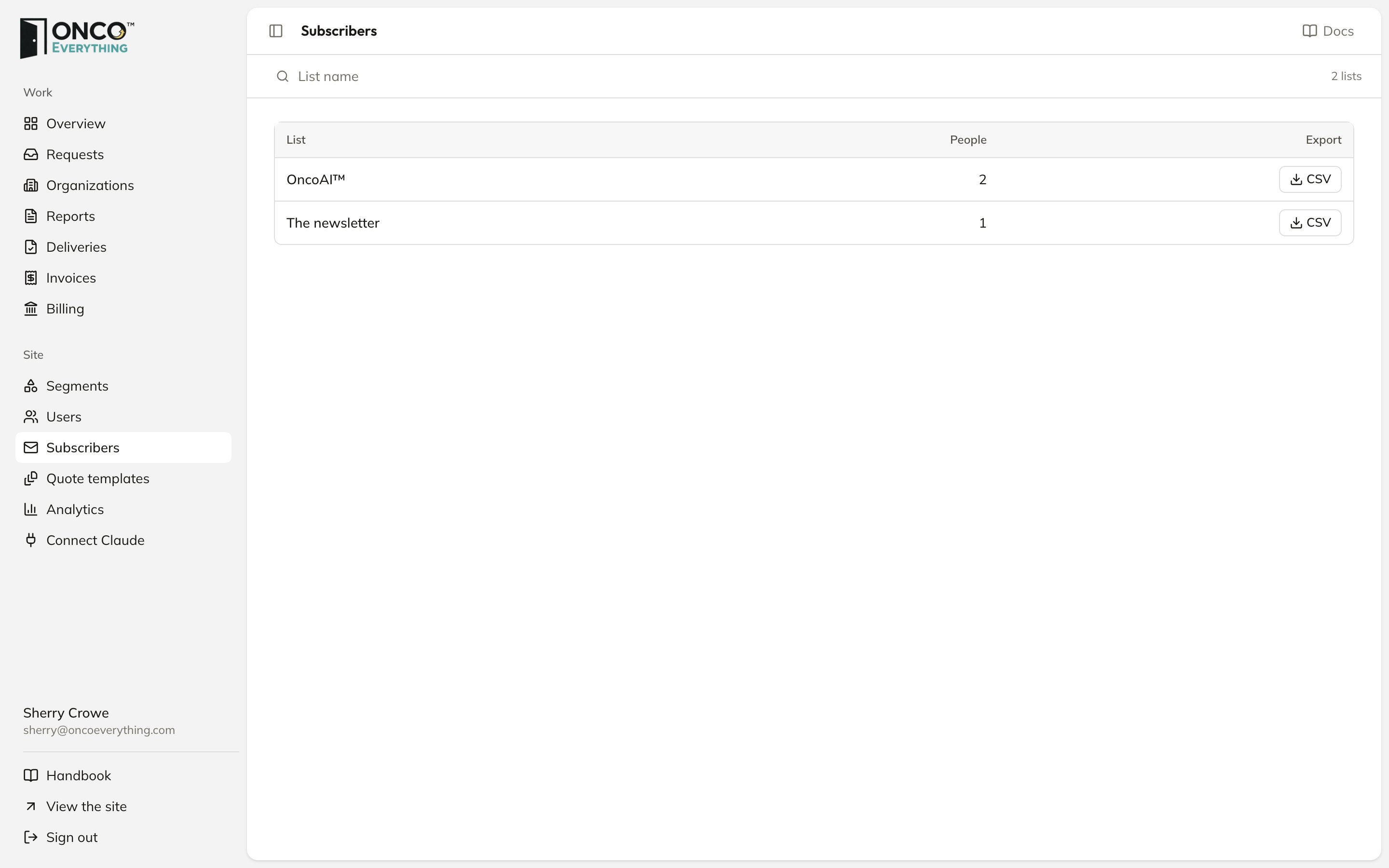
Subscribers
- The newsletter: people who joined from the footer, the header or the pop-up.
- One list per segment: people who asked for updates about it.
See who is on a list
Click the name of a list. The page shows each person’s email, name and sign-up date, oldest first. Search by email or name at the top.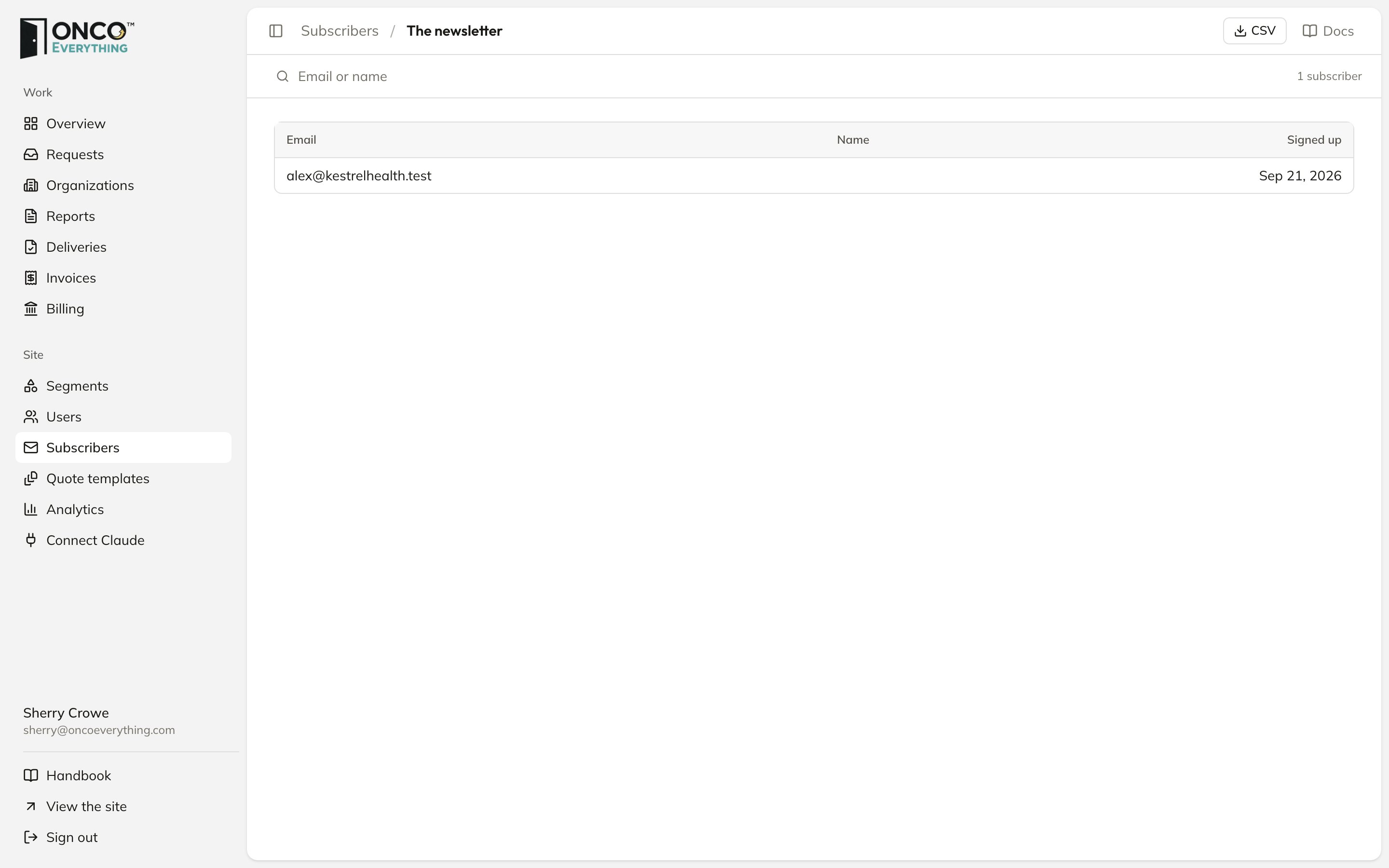
One list
Email a list
The platform does not send newsletters. To email a list:1
Click CSV next to the list, or on the list's page
You get a spreadsheet with each person’s email, name, sign-up date and an unsubscribe link.
2
Import it into your email tool
For example, use Mailchimp or Constant Contact.
3
Include each person's unsubscribe link
When a person clicks the link, the platform removes them from the list.