Quote templates
Make a template
1
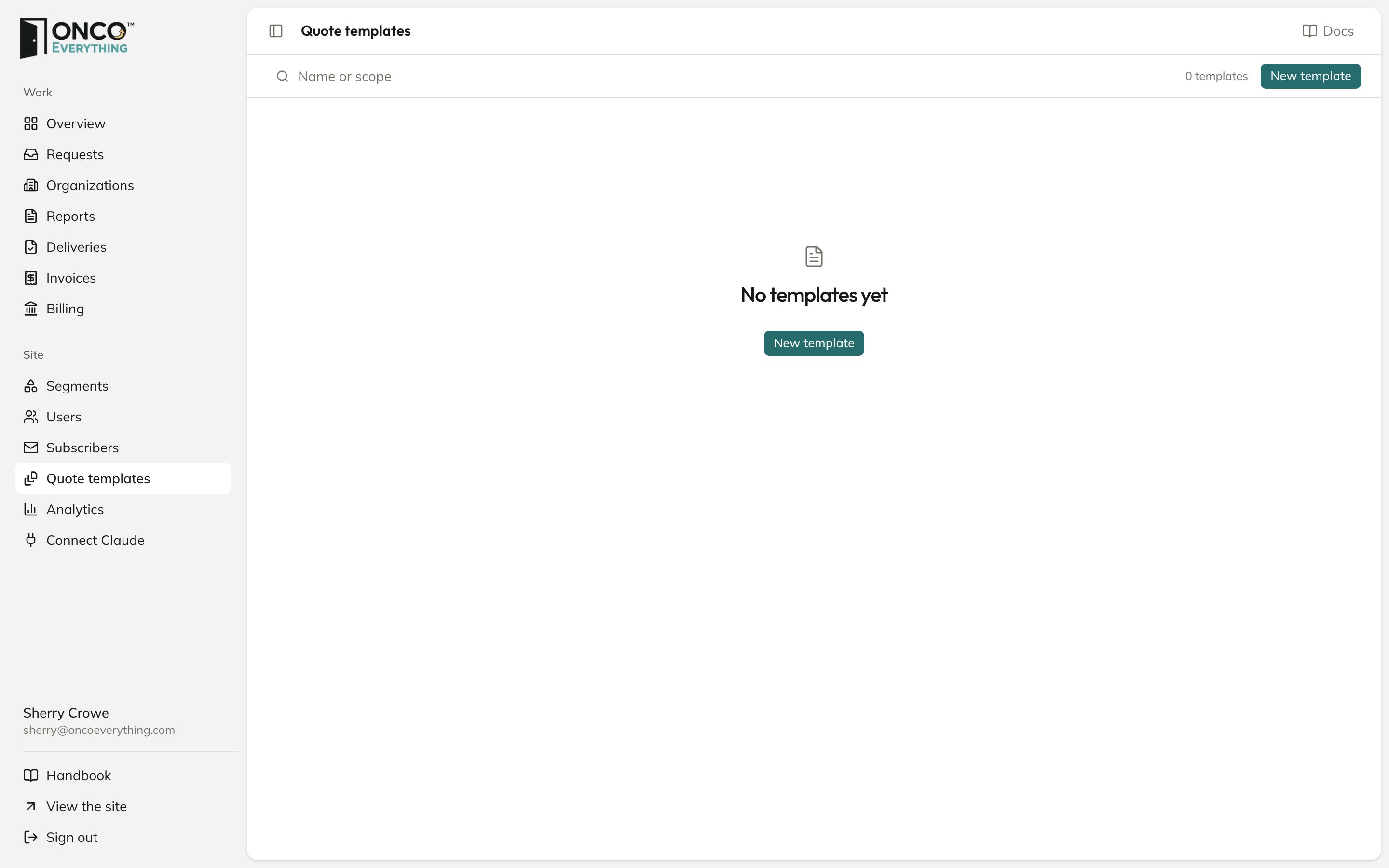
Click New template
A panel opens.
2
Fill in the fields
Name (for you, the buyer never sees it), Scope, Line items, Delivery, in days and Terms.
3
Click Save template
It now shows in Start from a template on every new quote.
A template only fills in the form. Changing or deleting a template does not change quotes you already wrote. You set how long the quote link stays open on each quote. The template does not set it.